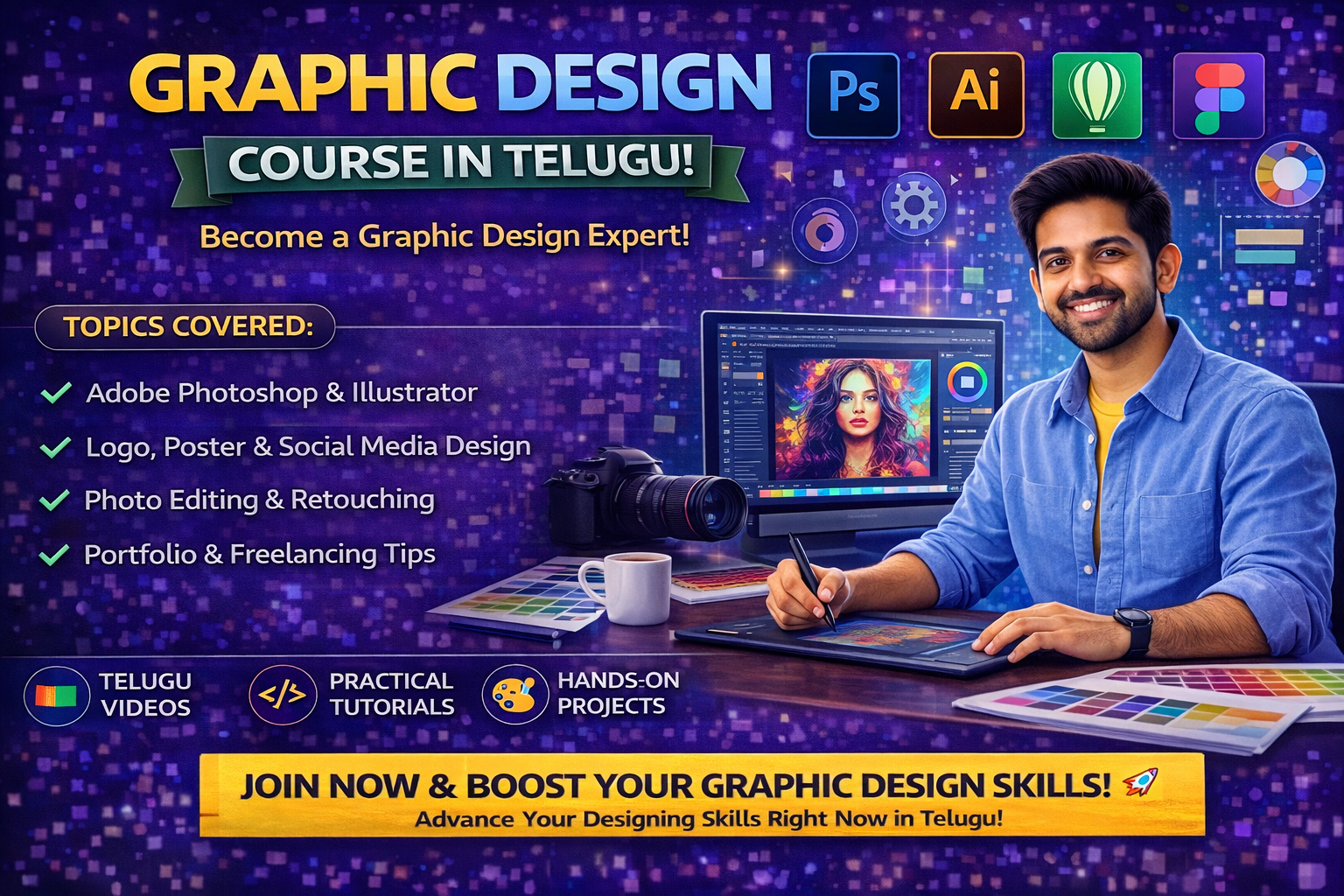
In today’s digital content world, YouTube has become one of the most powerful platforms for creators, businesses, and educators. But with millions of videos uploaded daily, grabbing attention is a big challenge. This is where YouTube thumbnail design plays a crucial role. A well-designed thumbnail can significantly increase clicks and views. If you are a beginner, learning through a Graphic Design Course in Telugu can help you master thumbnail design easily and effectively.
In this blog, we will explore YouTube thumbnail design basics, tools, techniques, and how to create eye-catching thumbnails step by step.
What is a YouTube Thumbnail?
A YouTube thumbnail is a small image that represents a video.
It acts as:
First impression of the video
Visual preview of content
Click-attracting element
A good thumbnail encourages users to watch the video.
Why is Thumbnail Design Important?
Thumbnail design is important because:
Increases click-through rate (CTR)
Attracts audience attention
Improves video performance
Builds channel identity
Even great content may fail without a good thumbnail.
Why Learn in Telugu?
Thumbnail design involves creativity and tools. A Telugu course helps by:
Explaining concepts clearly
Providing step-by-step tutorials
Making learning easy
Building confidence
This helps beginners learn faster.
Key Elements of a Good Thumbnail
To create effective thumbnails, focus on:
1. Eye-Catching Visuals
Use bright and attractive images.
2. Bold Text
Keep text short and readable.
3. High Contrast Colors
Use colors that stand out.
4. Clear Focus
Highlight main subject clearly.
5. Facial Expressions (Optional)
Human faces attract more attention.
Recommended Thumbnail Size
For best quality:
Size: 1280 × 720 pixels
Format: JPG or PNG
Aspect Ratio: 16:9
Using correct size ensures clarity.
Tools for Thumbnail Design
You can use tools such as:
Canva
Adobe Photoshop
Adobe Illustrator
Figma
These tools help create professional thumbnails.
Step-by-Step Thumbnail Design Process
Follow these steps:
1. Understand Video Content
Know the topic
Identify key message
2. Choose Background Image
Use high-quality image
Keep it relevant
3. Add Text
Keep it short (3–5 words)
Use bold fonts
4. Use Colors and Effects
Apply contrast colors
Add shadows and highlights
5. Highlight Main Subject
Use arrows, circles, or zoom effects
6. Review and Export
Check clarity
Export in high quality
Tips for Creating Click-Worthy Thumbnails
Use minimal text
Focus on one main idea
Maintain consistency
Use brand colors
Make it visually appealing
These tips improve CTR.
Common Mistakes to Avoid
Using too much text
Poor image quality
Cluttered design
Weak color contrast
Avoiding these improves design quality.
Best Practices
Keep design simple
Use readable fonts
Maintain visual hierarchy
Test different designs
Follow trending styles
These practices help create professional thumbnails.
Real-World Example
For a tech video:
Use bold title text
Add product image
Highlight key feature
This attracts viewers quickly.
Hands-On Practice
Practice is essential:
Create thumbnails for sample videos
Redesign popular thumbnails
Experiment with styles
Work on small projects
Practice improves creativity.
Step-by-Step Learning Roadmap
If you are a beginner, follow this roadmap:
Learn design basics
Understand thumbnail principles
Practice using tools
Create sample thumbnails
Analyze trending designs
Build portfolio
A Telugu course will guide you step by step.
Skills Required
To design thumbnails, you need:
Creativity
Color sense
Typography knowledge
Software skills
Attention to detail
These skills help you succeed.
Tips for Beginners
Practice daily
Learn from successful thumbnails
Experiment with designs
Take feedback
Improve continuously
Consistency is key.
Career Opportunities
After learning thumbnail design, you can work as:
Thumbnail Designer
Graphic Designer
YouTube Content Designer
Freelance Designer
These roles are in high demand.
Benefits of Learning Thumbnail Design
Creative skill development
Freelancing opportunities
High demand in digital media
Ability to work remotely
Conclusion
YouTube thumbnail design is a powerful skill that can greatly impact video performance. By learning the basics, practicing regularly, and following best practices, you can create eye-catching thumbnails that attract viewers. Enrolling in a Graphic Design Course in Telugu will help you understand these concepts easily and build strong design skills.
Start today, practice consistently, and build your portfolio. With dedication and creativity, you can become a professional thumbnail designer.
https://courses.frontlinesedutech.com/graphic-design-course-in-telugu/?utm_source=sireesha&utm_medium=off-page&utm_campaign=article_submission_April26



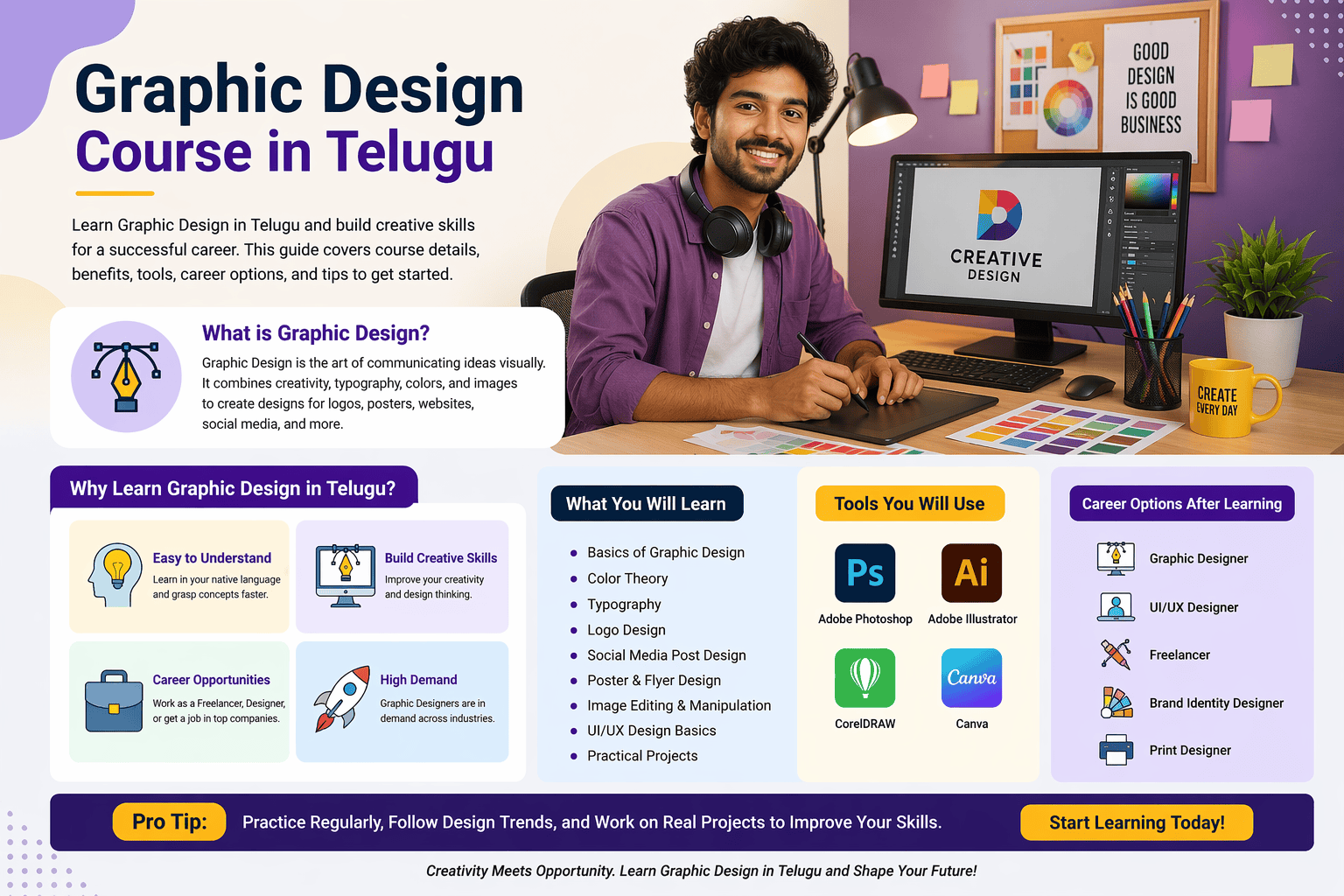
Introduction
Graphic design is one of the few careers that offers both stability and flexibility. With the right skills, you can choose between a full-time job or freelancing based on your go