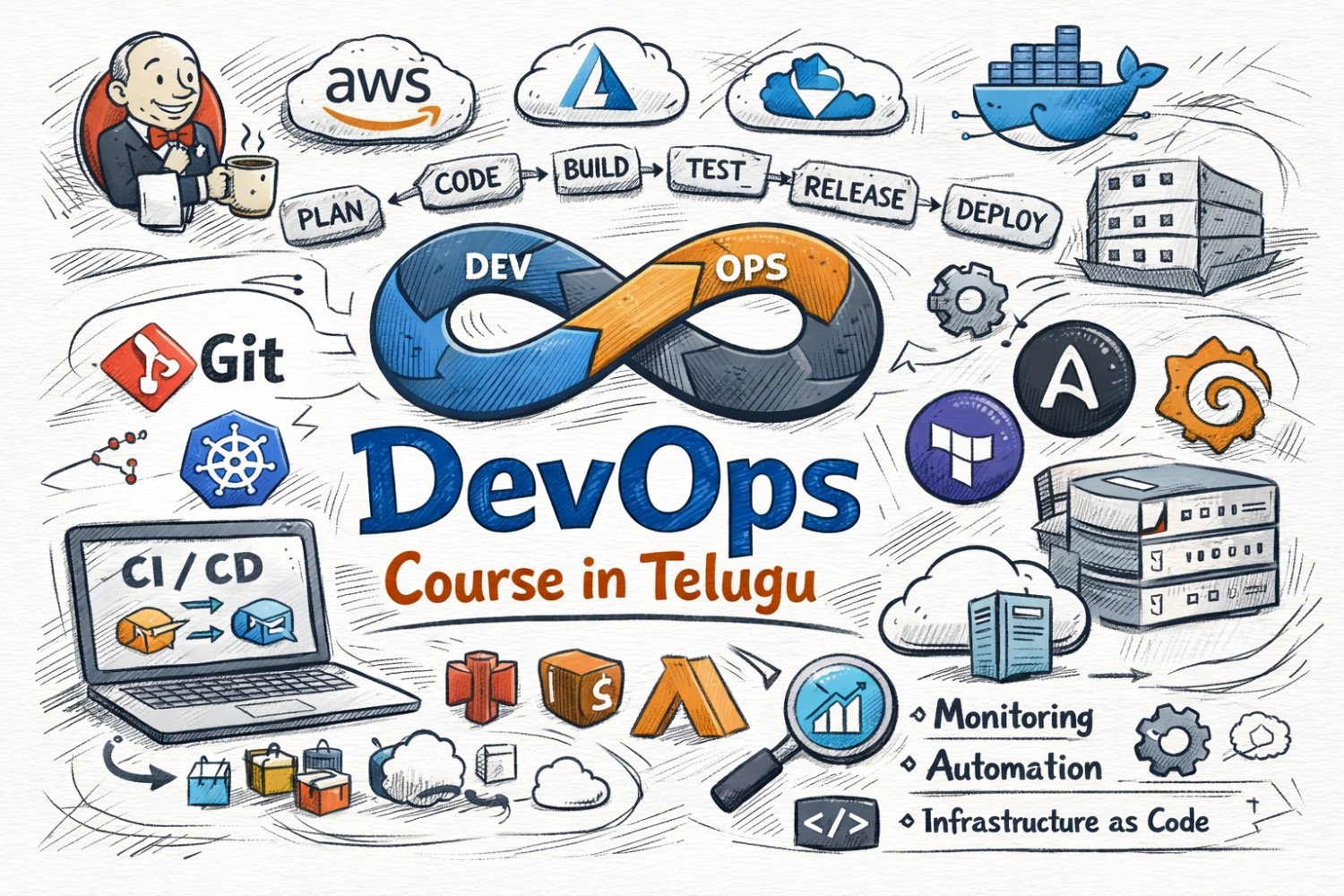
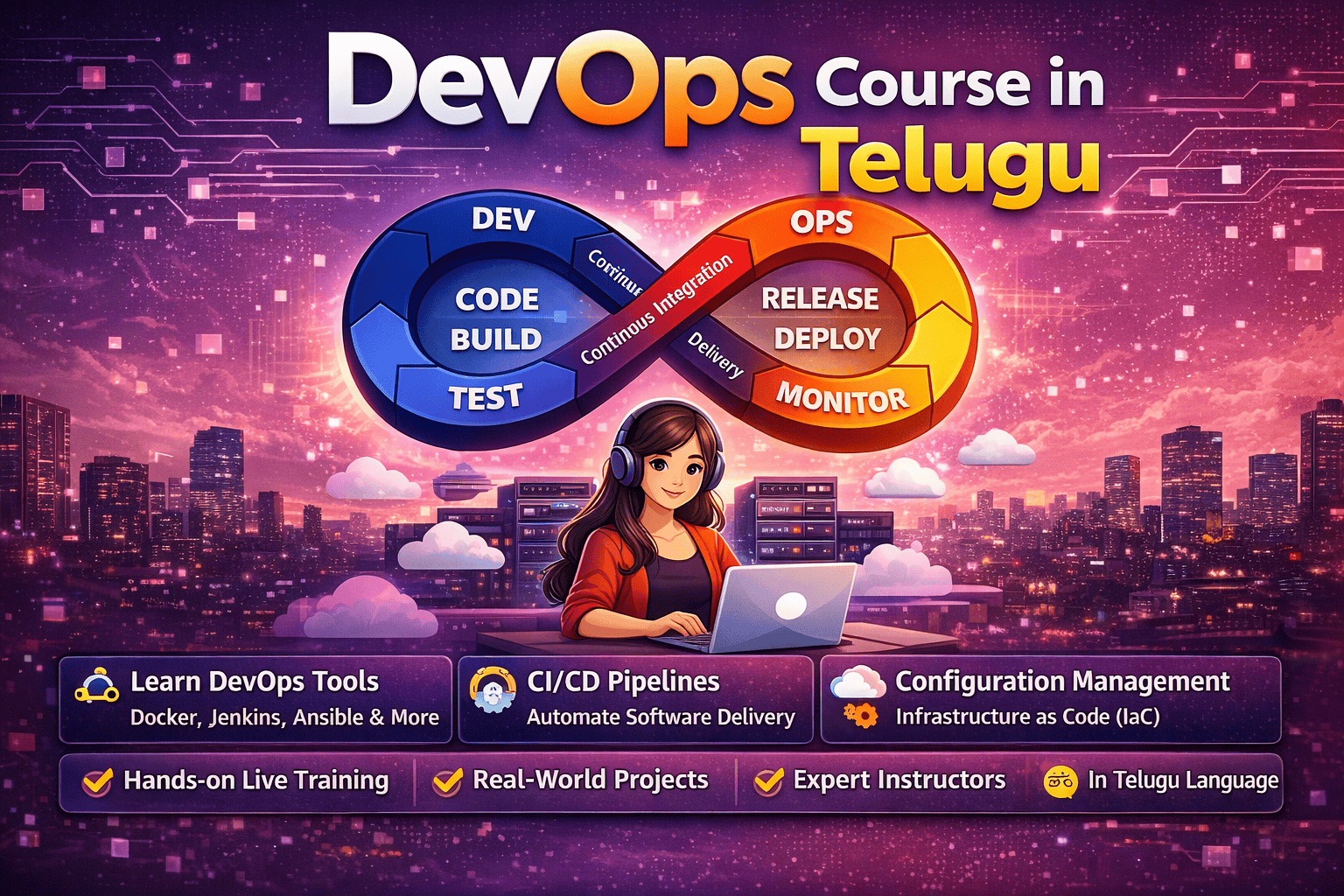
In modern software development, applications need to run smoothly across different environments like development, testing, and production. However, many times applications work on one system but fail on another due to dependency issues. To solve this problem, containerization was introduced. One of the most popular tools for containerization is Docker. If you are starting your DevOps journey, learning Docker through a DevOps Course in Telugu can help you understand concepts easily and become job-ready.
In this blog, we will explore containerization, Docker basics, its features, and how you can start using it step by step.
What is Containerization?
Containerization is a method of packaging an application along with its dependencies so it can run consistently across different environments.
It ensures:
Same environment everywhere
Faster deployment
Better scalability
Containers are lightweight and efficient compared to traditional virtual machines.
What is Docker?
Docker is an open-source platform used to create, manage, and run containers.
It allows developers to:
Package applications with dependencies
Run applications anywhere
Simplify deployment
Docker is widely used in DevOps workflows.
Why is Docker Important?
Docker is important because:
Eliminates “it works on my machine” problem
Speeds up development and deployment
Uses fewer resources than virtual machines
Improves scalability
Companies use Docker for efficient application management.
Why Learn in Telugu?
Docker concepts can be technical for beginners. Learning in Telugu helps:
Simplify complex topics
Provide step-by-step explanations
Improve understanding
Build confidence
This makes learning easier.
Key Components of Docker
To understand Docker, you should know these components:
1. Docker Image
Blueprint of an application
Contains code and dependencies
2. Docker Container
Running instance of an image
Lightweight and portable
3. Dockerfile
Script used to create images
4. Docker Hub
Repository to store and share images
How Docker Works
Docker follows a simple workflow:
Create Dockerfile
Build Docker image
Run container
Deploy application
This ensures consistent environments.
Basic Docker Commands
Here are some commonly used commands:
1. Check Docker Version
docker --version
2. Pull Image
docker pull nginx
3. Run Container
docker run -d -p 80:80 nginx
4. List Containers
docker ps
5. Stop Container
docker stop <container-id>
6. Build Image
docker build -t myapp .
Advantages of Docker
Docker offers many benefits:
Portability across environments
Faster deployment
Efficient resource usage
Easy scaling
Simplified development
Docker vs Virtual Machines
Feature Docker Virtual Machines
Size Lightweight Heavy
Speed Fast Slow
Resource Usage Low High
Startup Time Seconds Minutes
Docker is more efficient than traditional VMs.
Step-by-Step Learning Roadmap
If you are a beginner, follow this roadmap:
1. Learn Basics
Understand containerization concepts
2. Install Docker
Set up Docker on your system
3. Practice Commands
Use basic Docker commands
4. Create Dockerfile
Build your own images
5. Run Containers
Deploy applications locally
6. Work on Projects
Build real-world applications
Skills Required
To learn Docker, you need:
Basic Linux knowledge
Understanding of applications
Interest in DevOps
These skills help you learn effectively.
Tips for Beginners
Start with simple containers
Practice regularly
Learn by doing projects
Experiment with images
Stay consistent
Consistency is key.
Common Mistakes to Avoid
Not understanding basics
Ignoring Dockerfile concepts
Running too many containers
Not practicing enough
Avoiding these helps you improve.
Best Practices
Keep images small
Use official base images
Clean unused containers
Use version control
These practices improve performance.
Real-World Example
In a company:
Developer creates application
Docker image is built
Container is deployed
Application runs consistently everywhere
This ensures smooth deployment.
Hands-On Project Ideas
To gain practical experience:
Deploy a web application using Docker
Create multi-container apps
Use Docker with CI/CD pipelines
Projects make you job-ready.
Career Opportunities
After learning Docker, you can apply for:
DevOps Engineer
Cloud Engineer
Site Reliability Engineer
Automation Engineer
Docker is a must-have skill in DevOps.
Benefits of Learning Docker
High demand skill
Faster deployments
Better job opportunities
Strong career growth
Conclusion
Containerization with Docker is a powerful concept in DevOps that helps run applications consistently across environments. By learning Docker through a DevOps Course in Telugu, beginners can understand concepts easily and gain practical experience.
Start your journey today, practice regularly, and work on real-world projects. With dedication and consistency, you can become a skilled DevOps professional.
https://courses.frontlinesedutech.com/multi-cloud-devops-online-course-in-telugu/?utm_source=sireesha&utm_medium=off-page&utm_campaign=article_submission_April26

Introduction
India is one of the fastest-growing IT hubs in the world, and DevOps has become a key part of modern software development. With the increasing demand for automation and cloud tec