You want your mining rigs to work hard without wasting power or time. You want steady profits and quiet nights and fewer surprise crashes.
Plus, clear steps that you can follow with simple tools and a clear plan that grows as your goals grow. Mining adds heat, load, noise, and it pushes hardware all day and all night. A small mistake turns into hot parts, slow hashes, and bills that do not make sense.
A few smart habits change the story and help your gear run smoothly and strongly. Each habit builds on the last one, so your setup keeps getting better with every week.
Read these steps with care and move one by one so you avoid stress and keep control. You will see how small changes in power cooling layout and software make a big difference for steady mining results.
Why Rack Servers Help Your Mining Goal?
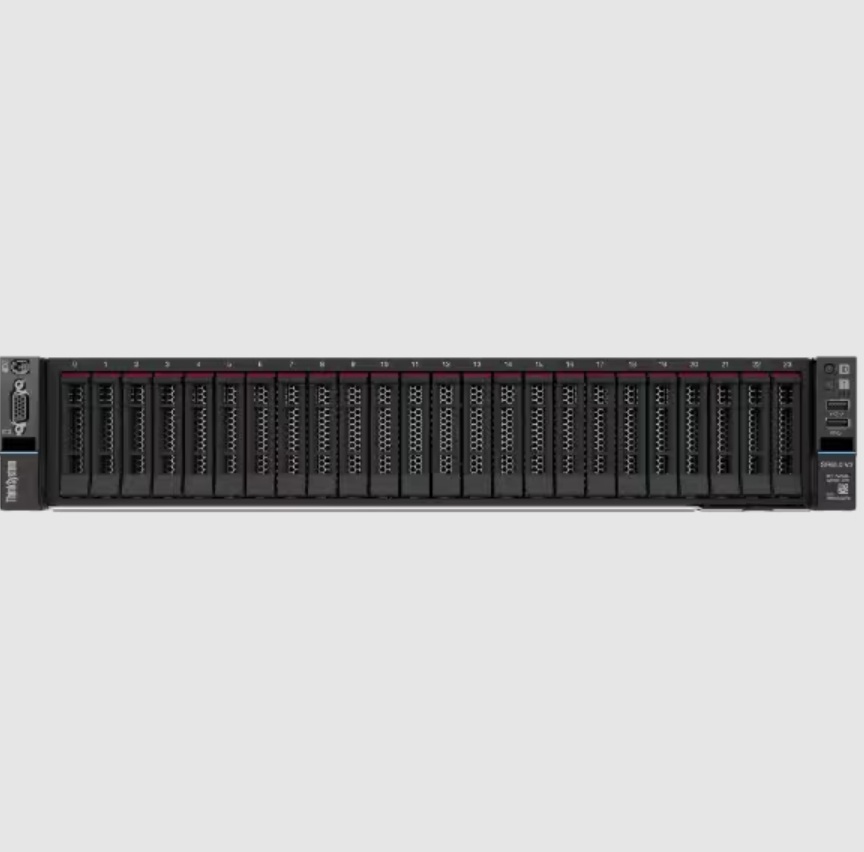
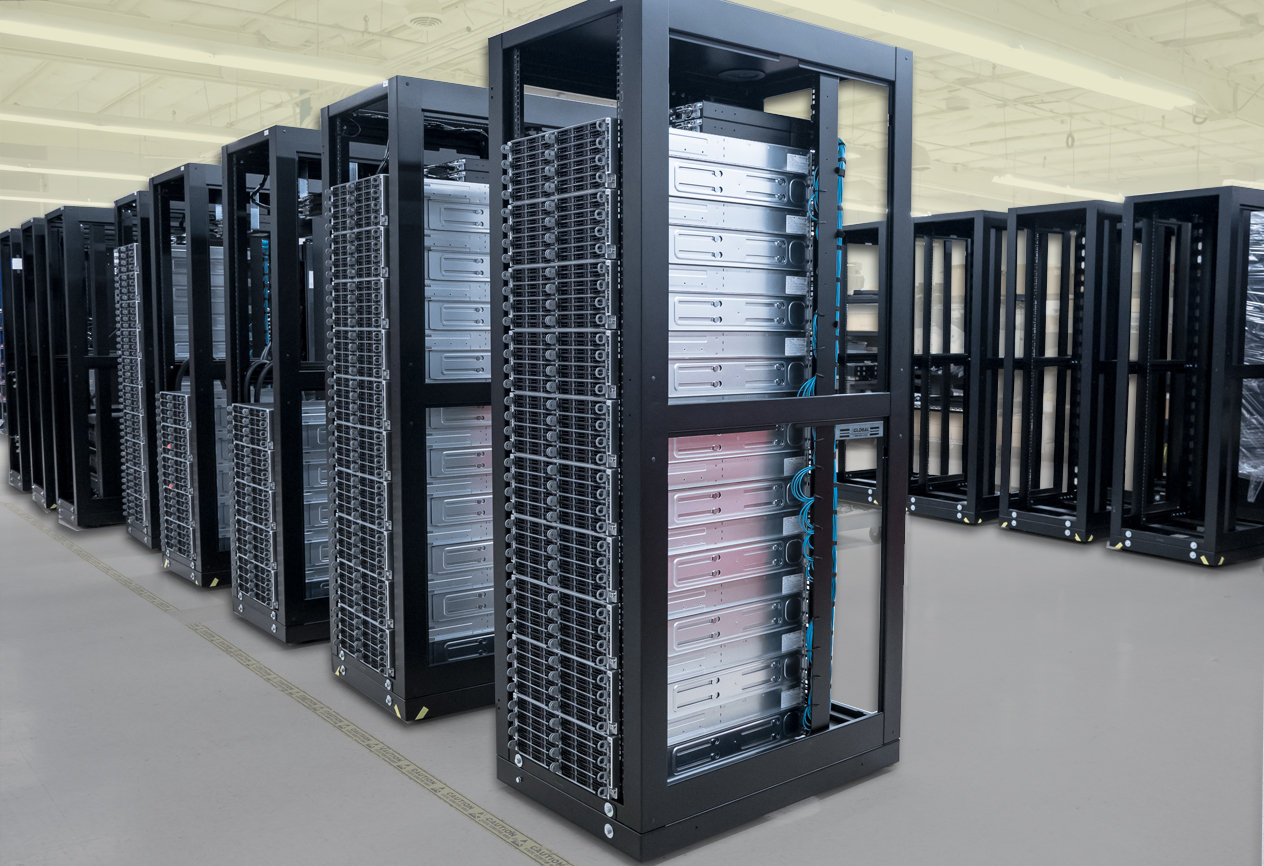
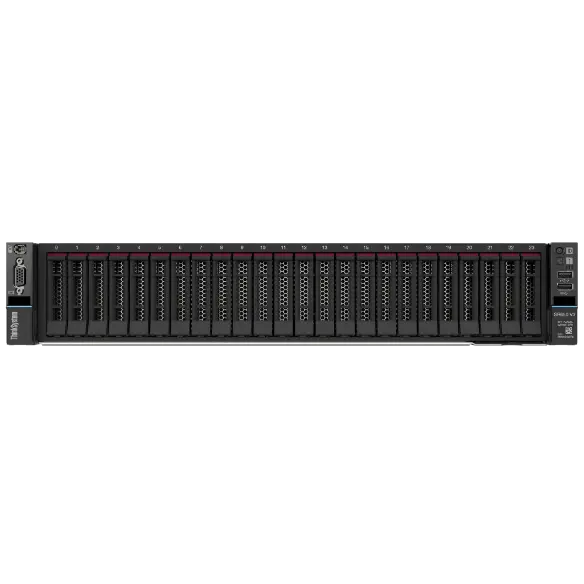
You use rack servers because they pack strong parts in a tight space, and they let you grow in clean rows while cables stay tidy and airflow stays guided. A rack server holds power units, network gear, and rails in one frame, so you plan the room once and add more servers when your budget allows.
This gives a simple path for scale and a clear place for maintenance, which keeps uptime high and waste low.
1. Plan Power Delivery With Care And Headroom
You size power before you place hardware because power mistakes break budgets and stop work. Measure the watt draw for each server at full load and add safe headroom so breakers never trip during spikes.
Use high-efficiency power supplies that meet strong ratings, so less power turns into heat and more power turns into hashes.
- Map each rack to a power feed with safe limits and clear labels
- Choose power supplies with high efficiency ratings for lower waste
- Balance servers across circuits so no single line carries all the load
2. Build A Cooling Path That Moves Heat Away Fast
Mining creates heavy heat that harms parts when you ignore airflow. You guide cool air from the front to the back, and you seal gaps so air does not escape through short paths. You use blanking panels in empty rack slots, and you keep cables out of the way so fans can move air without strain.
- Place intake at the cold side of the room and exhaust at the hot side
- Install blanking panels to block air leaks and tighten the path
- Clean filters and fan grills on a routine, so dust never chokes the flow
3. Tune Bios And Firmware For Hashing Stability
You start with the latest firmware, so bugs do not slow your rigs, and you set BIOS options that favor steady compute work. You lock fan curves to match thermal goals, and you set power limits that protect chips during long runs.
You also turn off unused features that steal cycles from the hashing task.
- Update firmware on a set schedule and record each version in a log
- Set fixed fan targets that hold safe temperatures under full load
- Disable extra boot devices and sleep features that add risk without value
4. Optimize The Operating System For Mining Workloads
You pick a light OS that runs drivers and miners with no clutter, and you keep background tasks small so more cycles reach your hashing threads. You set huge pages or memory tweaks that your miner supports, and you pin processes to cores when the tool allows. You let the OS boot straight into mining, so restarts do not waste time.
- Use a minimal install that cuts services you do not need
- Apply miner-specific kernel or driver settings from trusted docs
- Configure auto-start scripts that relaunch the miner after a crash
5. Manage Thermals And Clocks With Gentle Curves
You chase efficiency, not just peak numbers, because stable rigs earn more over time. You undervolt or underclock a little so each watt buys more hashes, and you watch the curve until you find a sweet spot. You avoid sharp boosts that raise heat without strong gains, and you spread the load evenly across GPUs or CPUs in each chassis.
- Start with stock values and step down clocks in small moves
- Watch the hash rate per watt and choose the best stable point
- Keep a chart for each server so changes stay traceable during audits
6. Monitor Everything And Alert Before Failure
You cannot fix what you do not track, so you collect metrics for power, heat fan speed, hash rate, and error counts. You send those numbers to a dashboard that shows red flags early, so you act before parts fail. You set alerts that ping your phone during odd hours so a small issue never turns into long downtime.
- Use a central monitor for all racks with clear names and tags
- Set alerts for high temperatures, stalled hash rate, and reboot loops
- Review weekly reports and remove weak units for service before they break
7. Keep The Room Safe, Clean, And Easy To Service
Good mining needs a tidy space that respects safety rules and keeps people and gear in good shape. You label rails, ports, and breakers so helpers find the right thing fast during stress. You clear floors and set cable ladders so nobody trips while carrying heavy servers. You store spare fans, power units, and filters on site so repairs finish quickly.
- Label each rack unit with server name, power feed, and network port
- Use cable trays and Velcro ties to avoid knots that block airflow
- Keep spare parts and a small tool kit near the rack for quick swaps
A Friendly Wrap Up
You can make mining smoother when you plan power with headroom, shape airflow with care, and keep software tuned for steady loads.
You will save watts and cut heat and grow output when you nudge clocks to the sweet spot and when you respond fast to alerts that tell the truth about your rigs.
Start with one way today and mark the gain, then move to the next way tomorrow and watch the numbers climb. Share the checklist with your team and keep notes so new helpers learn fast and avoid old mistakes.
With these seven ways, you turn rack servers into a strong engine that mines with focus all day and all night, and you gain the kind of uptime that keeps profits steady.