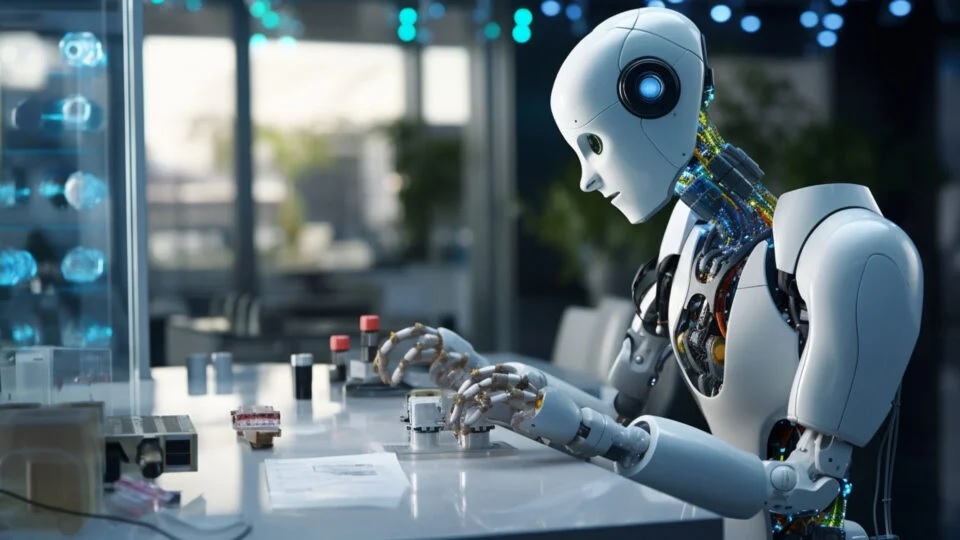


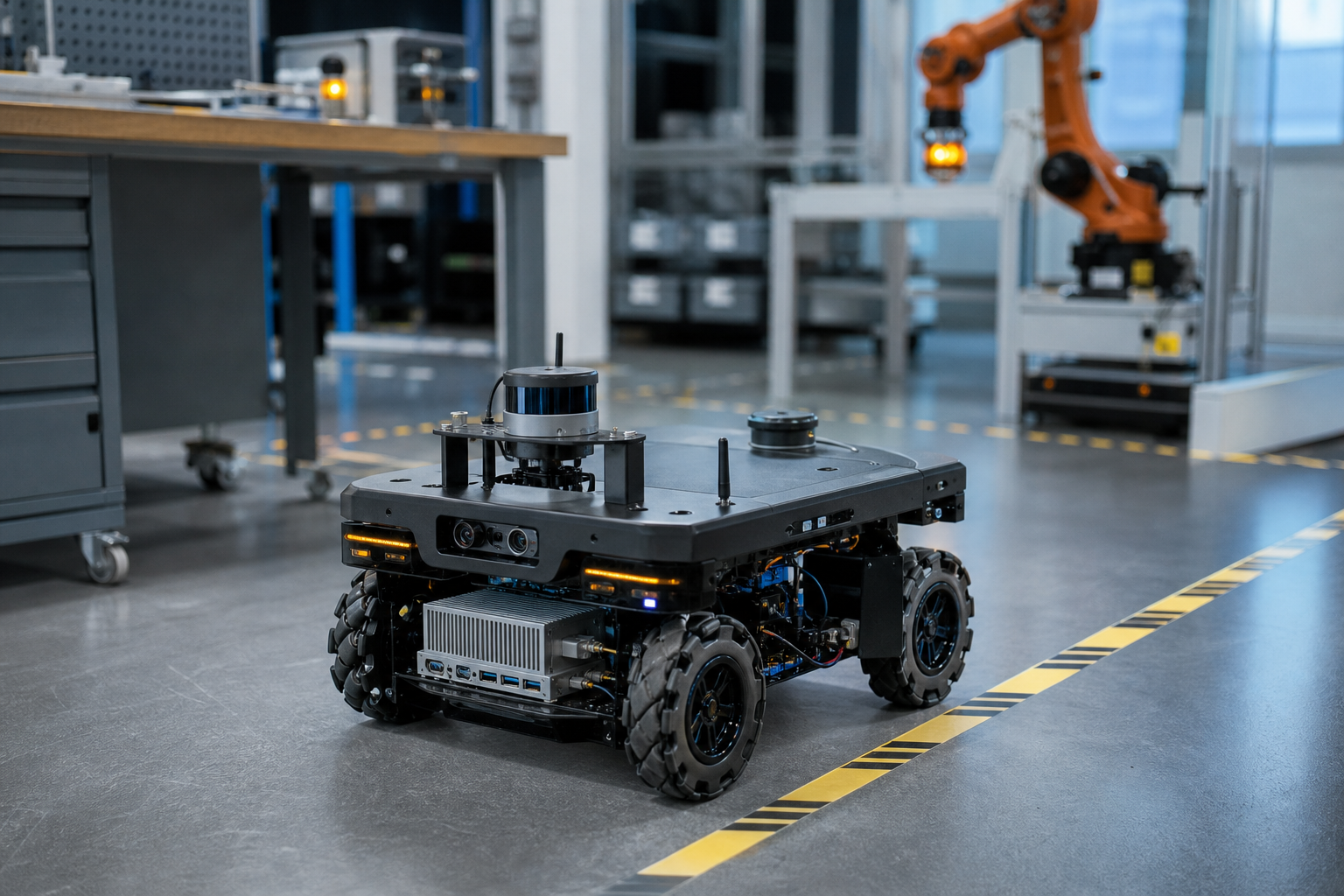
Robotics intelligence needs more than a fast AI accelerator. A practical robot must process its cameras and sensors within a predictable time, exchange data with motion controllers, fit a real power and thermal budget, and recover safely when a model or sensor fails. The right edge computer is therefore the platform that passes the robot's full workload test—not simply the one with the largest TOPS number.
For teams evaluating Robotics intelligence, the first decision is whether the hardware is for model development, a functional prototype, or a production robot. Each stage has different requirements for access, ruggedness, maintainability, and lifecycle support.
Quick Decision Points for Robotics Intelligence
- Primary workload: vision, navigation, speech, manipulation, inspection, or a combination.
- Sensor load: camera count, resolution, frame rate, depth sensors, lidar, radar, encoders, and force sensors.
- Response target: maximum acceptable time from sensing to a verified control output.
- Interfaces: camera inputs, Ethernet, USB, CAN, serial ports, GPIO, and synchronization signals.
- Power and cooling: continuous and peak draw, available voltage, airflow, enclosure, and ambient temperature.
- Software baseline: operating system, drivers, inference runtime, robotics middleware, and update policy.
- Safety boundary: which functions may use AI and which require an independent deterministic controller.
- Deployment stage: open developer kit for fast iteration or integrated edge computer for field operation.
These factors should be written into a test plan before a model is selected. Otherwise, a team can buy enough nominal compute and still discover that a camera driver, memory bottleneck, thermal limit, or missing interface prevents deployment.
What Does Robotics Intelligence Include?
In this guide, robotics intelligence means the perception and decision workloads that help a robot understand its environment and select an action. Typical functions include object detection, pose estimation, visual inspection, simultaneous localization and mapping, path planning, speech interaction, and anomaly detection.
It does not mean that every control loop should run inside a neural network. Servo control, emergency stops, limit switches, and other safety-critical functions commonly remain on dedicated controllers with deterministic behavior. Edge AI can supply perception results or high-level commands, but the system architecture must define what happens when confidence is low, data is late, or the AI process stops.
That boundary is a buyer decision, not a software detail. It affects interface selection, watchdog design, redundancy, commissioning, and the evidence required before a robot can work near people or valuable equipment.
Start with the Workload, Not the TOPS Number
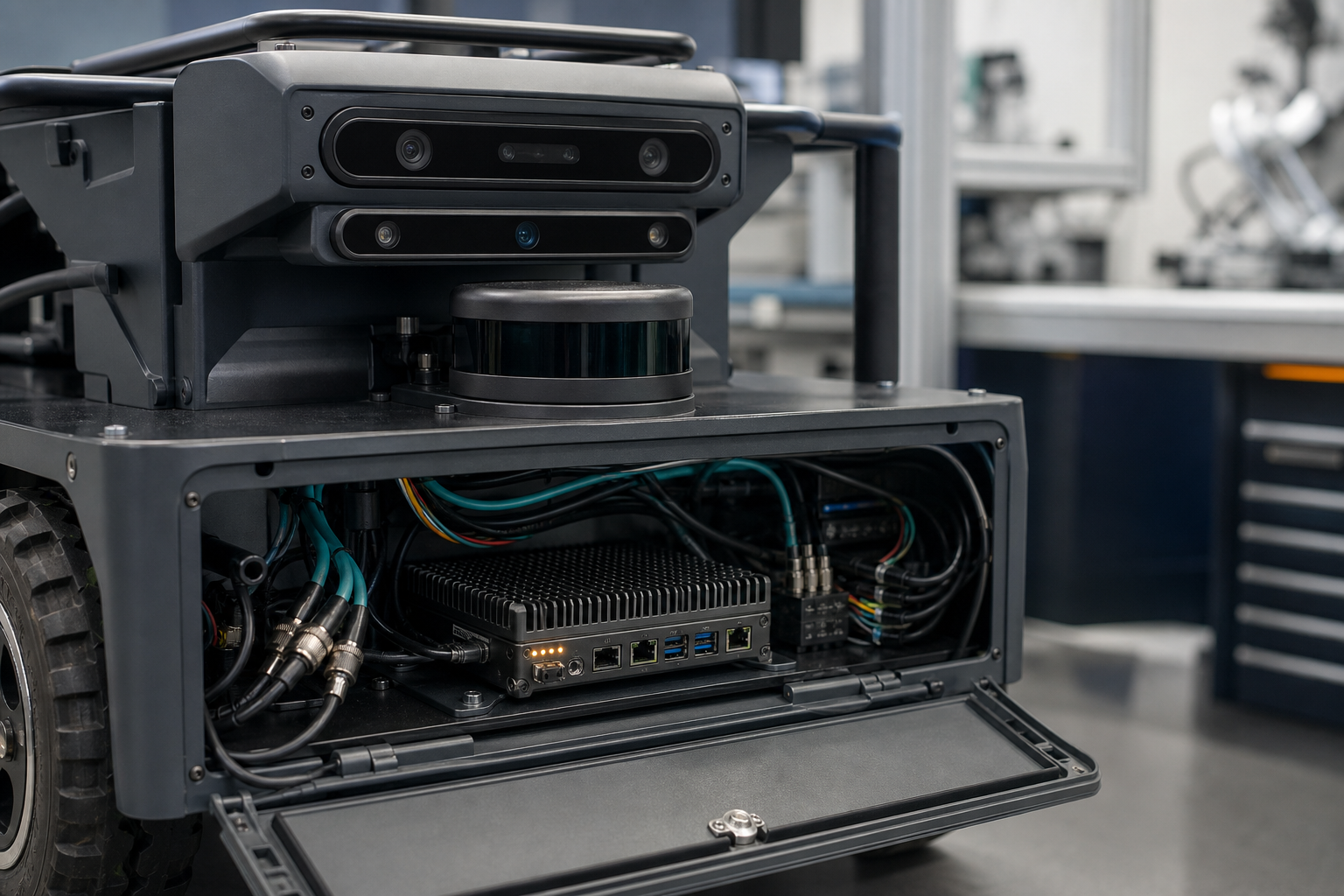
TOPS—trillions of operations per second—is useful for separating broad compute tiers, but it does not predict application performance by itself. Real throughput depends on model architecture, numeric precision, memory bandwidth, preprocessing, post-processing, camera decoding, software optimization, and how many workloads run at once.
Define the complete processing pipeline
List every stage that consumes compute or memory:
- Sensor acquisition and synchronization.
- Image correction, resizing, or point-cloud preparation.
- AI inference for each model.
- Tracking, sensor fusion, and confidence filtering.
- Mapping, planning, or task logic.
- Logging, visualization, networking, and remote diagnostics.
The benchmark must run all required stages together. A detector that reaches the target frame rate alone may slow down when depth estimation, recording, and robot middleware are added.
Use representative data
Benchmarks should use the same resolution, frame rate, scene complexity, and number of sensors expected in the robot. Test both normal and difficult conditions, such as motion blur, glare, low light, crowded scenes, vibration, or partial occlusion.
Buyer check: Ask the hardware supplier to confirm performance using the intended software image and workload. A module-level performance figure is not a substitute for an end-to-end application test.
How Much Sensor I/O Does a Robot Need?
The correct answer is the number and type of sensors required by the operating design, plus enough margin for diagnostics and future revisions. More ports are not automatically better; they add cost, cabling, power consumption, driver work, and additional failure points.
Cameras
Record the interface, resolution, frame rate, cable length, synchronization method, and environmental needs for every camera. USB cameras may be convenient for a laboratory prototype, while production systems can require more robust connectors, synchronization, or longer cable runs. Camera compatibility must be verified at the driver and software-release level.
Motion and field interfaces
Robots often need CAN, RS-485, Ethernet, GPIO, or other industrial interfaces to communicate with motor controllers, safety controllers, encoders, batteries, and peripheral devices. Count ports only after the control architecture is mapped.
Storage and networking
Local recording can consume storage quickly. Define how much raw data, compressed video, event metadata, and diagnostic history must be retained. Then decide what remains on the robot and what is uploaded. Intermittent connectivity should not stop essential local functions.
What Latency Should Robotics Intelligence Target?
There is no universal number. The acceptable latency is set by robot speed, stopping distance, task risk, sensor rate, control architecture, and the time available to recover from an uncertain result.
Measure latency from sensor exposure or data capture to the moment the relevant output becomes available to the consuming controller. Average inference time alone hides queueing, decoding, preprocessing, communication, and worst-case delays.
Build a latency budget
- Sensor capture and transfer.
- Preprocessing.
- Inference.
- Fusion, tracking, or planning.
- Communication to the controller.
- Controller and actuator response.
- Safety margin.
Use percentiles and worst-case observations, not only an average. A mobile robot can appear responsive in a short demonstration while occasional long delays create an unacceptable field risk.
Engineering note: A faster model with unstable tail latency can be less useful than a slightly slower model with predictable timing and a clear fallback behavior.
Developer Kit or Production Edge Computer?
A developer kit is usually the better tool when the main goal is to test models, connect sensors, inspect logs, and change software rapidly. Open access, familiar connectors, and ecosystem support shorten the learning cycle.
An integrated edge computer becomes more important when the robot must handle vibration, temperature changes, constrained power, production connectors, controlled cable routing, repeatable storage, and service procedures. The transition should occur before final mechanical and electrical design is frozen.
Development-stage fit
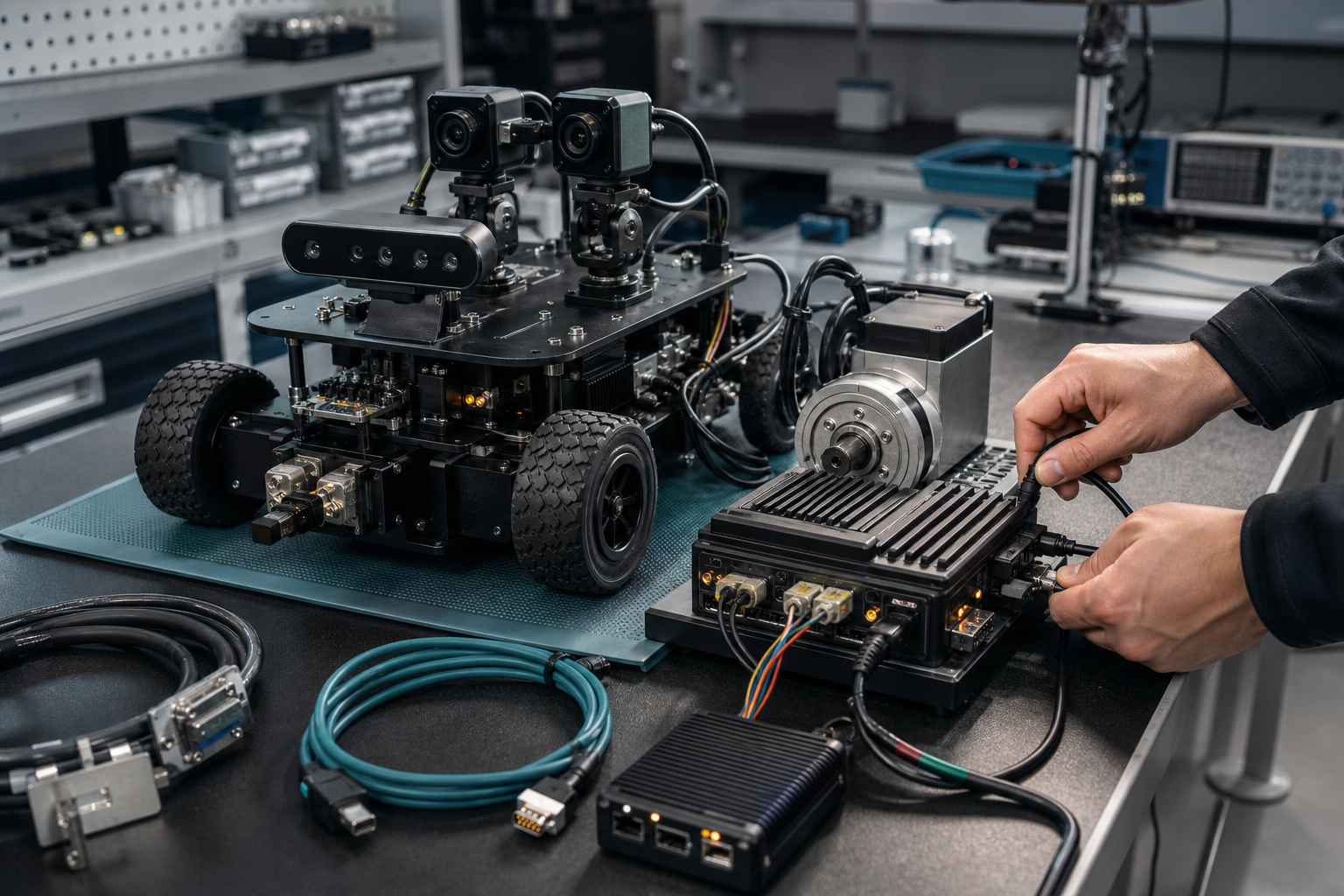
The TWOWIN T201 page describes a Jetson Orin Nano development platform with a published 40 TOPS configuration and connectivity intended for computer vision, robotics, and embedded AI prototyping. That makes it a candidate for early workload validation when its actual interfaces and software support match the project.
The number is a screening input, not a performance promise. Teams should still test their own models, cameras, middleware, storage, and thermal conditions.
Production-stage questions
- Is the compute module available for the required product lifetime?
- Can the carrier board and connectors be serviced inside the robot?
- What thermal solution is required at the worst ambient temperature?
- Which drivers are included, and which software release is supported?
- How will the device be flashed, updated, backed up, and recovered?
- What acceptance test will be repeated for every production unit?
Power and Thermal Design Are Part of AI Performance
An edge computer can meet a short benchmark and then throttle during continuous operation. Robotics teams should test after the enclosure, power supply, cable routing, and surrounding heat sources are representative of the final machine.
Check continuous and peak power
Measure the complete computer, storage, cameras, network devices, and cooling—not just the AI module. Verify behavior during startup and high-load transitions, because a power source that handles the average may still fail during a peak.
Validate the cooling path
Document ambient temperature, airflow direction, dust exposure, heat-sink orientation, and allowable surface temperature. If a fan is used, define inspection and replacement procedures. If passive cooling is required, test the actual enclosure and mounting interface.
Common mistake: Treating a laboratory heat sink as proof that the computer will maintain performance inside a sealed robot body.
A Practical Validation Sequence
Step 1: Freeze the test workload
- Model versions and precision.
- Sensor count, resolution, and frame rate.
- Middleware and background processes.
- Required outputs and latency limits.
Step 2: Prove functional compatibility
- Every sensor is detected after repeated cold starts.
- Drivers match the selected operating-system release.
- Interfaces recover after disconnection or communication errors.
- Time synchronization remains within the project limit.
Step 3: Run sustained performance tests
- Test the full pipeline for the expected duty cycle.
- Record temperature, frequency, power, memory use, dropped frames, and latency percentiles.
- Repeat with logging, networking, and remote management enabled.
Step 4: Test faults and recovery
- Missing or corrupted sensor data.
- Network loss.
- Storage full.
- AI process restart.
- Brownout or unexpected shutdown.
- Model output below the confidence threshold.
Step 5: Re-test in the representative enclosure
Complete the same test after the computer is installed in the robot. A final mechanical design can change airflow, cable reliability, radio performance, and sensor noise.
Buyer Checklist for a Robotics Edge AI Platform
- Provide the supplier with the full workload rather than one model name.
- Confirm each camera and sensor with the intended driver release.
- Ask for interface pinouts, power limits, and mechanical drawings.
- Define an end-to-end latency acceptance test.
- Test sustained performance at the highest expected ambient temperature.
- Verify startup, shutdown, watchdog, and recovery behavior.
- Separate AI decisions from safety-rated control functions.
- Confirm software maintenance, security updates, warranty, and replacement policy.
- Keep capacity margin, but do not pay for unused compute that increases heat and power.
Frequently Asked Questions
Is a Jetson Orin Nano platform enough for robotics intelligence?
It can be enough for many prototypes and selected production workloads, but the answer depends on model complexity, sensor count, precision, frame rate, and concurrent processes. Benchmark the complete pipeline and confirm interfaces, storage, power, cooling, and software compatibility before selecting it.
How much compute margin should a robot keep?
Keep margin for worst-case scenes, software overhead, model updates, and thermal conditions. A fixed percentage is less useful than a sustained test that demonstrates the required workload while leaving measurable CPU, GPU, memory, storage, and thermal headroom.
Can the same computer handle perception and motor control?
It may exchange high-level commands with motor controllers, but safety-critical and tightly deterministic loops often belong on dedicated control hardware. Define the failure behavior and applicable safety requirements before combining functions.
What information should an RFQ include?
Include model files or benchmark results, camera and sensor specifications, required frame rates, maximum latency, interfaces, power source, operating temperature, enclosure constraints, storage, networking, annual volume, software baseline, and the acceptance test.
Turn the Robotics Workload into a Hardware Test
TWOWIN can review an edge AI project more effectively when the request includes the robot type, sensor list, model workload, latency target, power budget, operating environment, required interfaces, and development stage. Use those inputs to compare a developer kit with an integrated edge computer, then validate the chosen configuration with a repeatable full-pipeline test.
References and Sources
- TWOWIN, Jetson Orin Nano Developer Kit T201 product and application page.
- NVIDIA, Jetson Orin Nano Developer Kit User Guide.
- NIST SP 500-325, Fog Computing Conceptual Model.
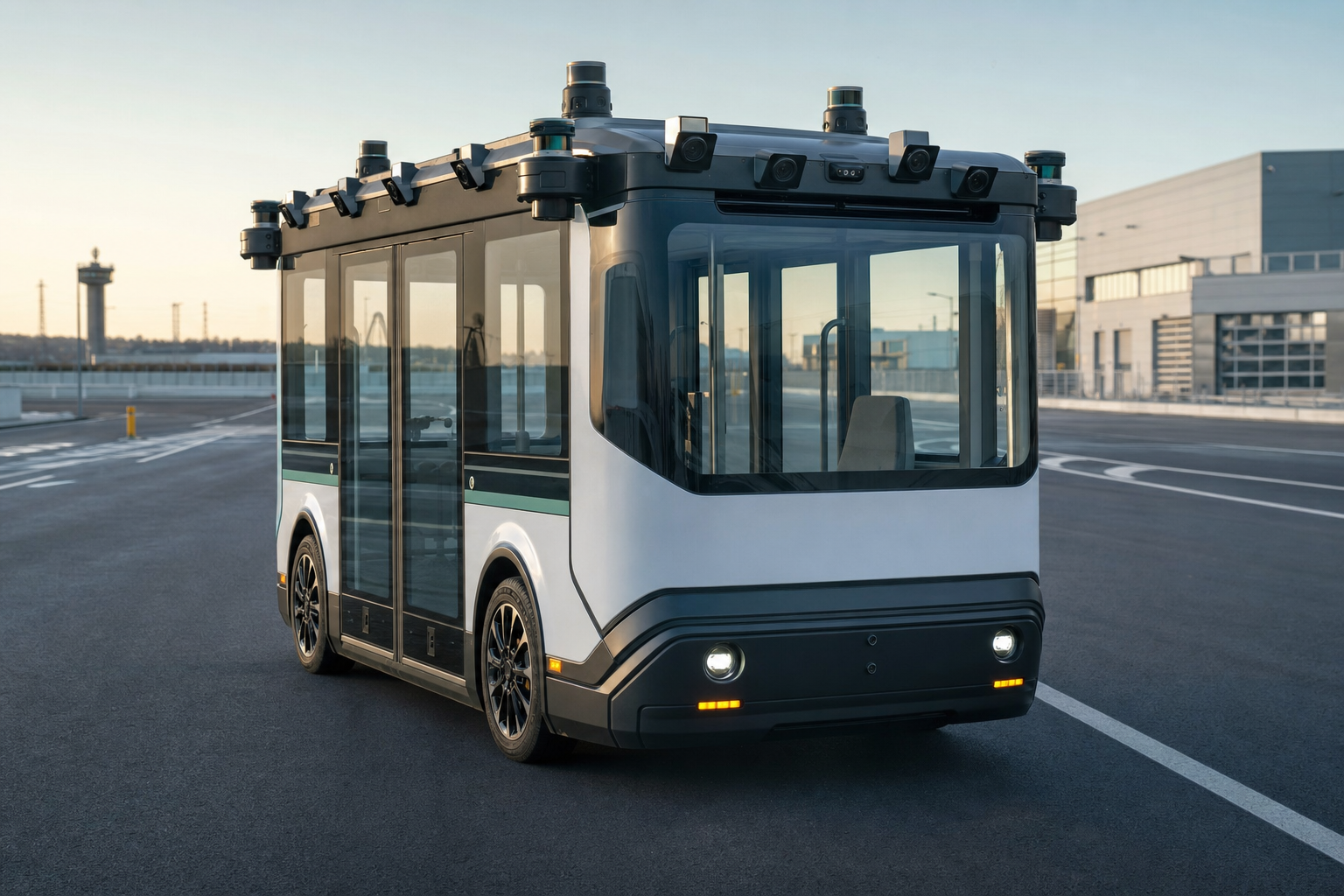
Autonomous vehicles AI depends on reliable sensor timing and predictable end-to-end response, not camera count or accelerator speed alone. Multiple cameras expand coverage and improve scene underst